Backup Readiness Checker in your browser
Check how ready a WordPress site is for disaster: detect backup plugins, see the WordPress version, theme and plugins in use, and look for backup files left exposed on the server. Free, private and local.
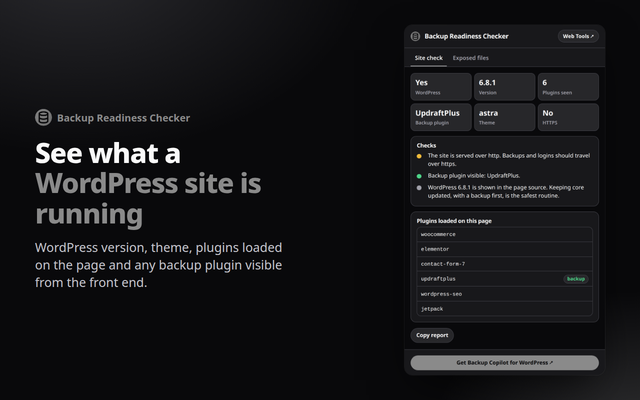
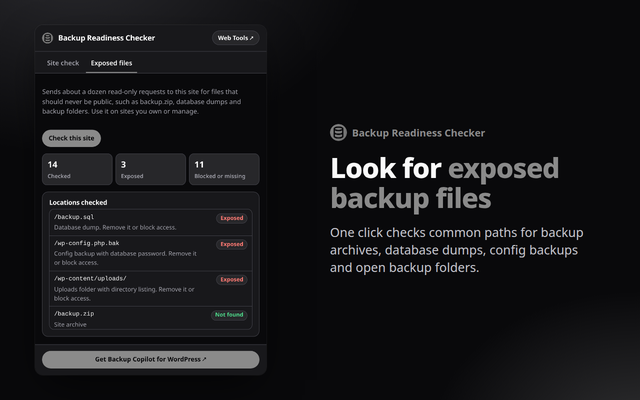
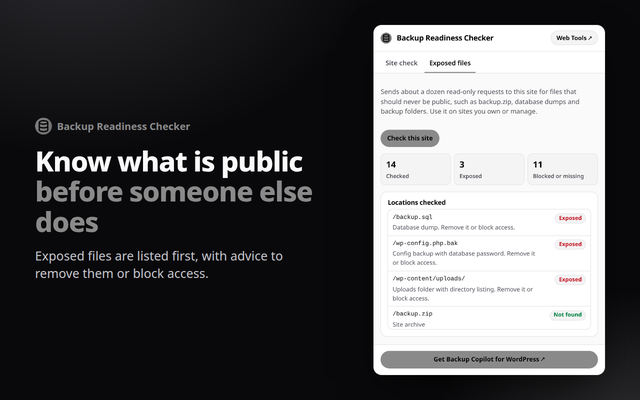
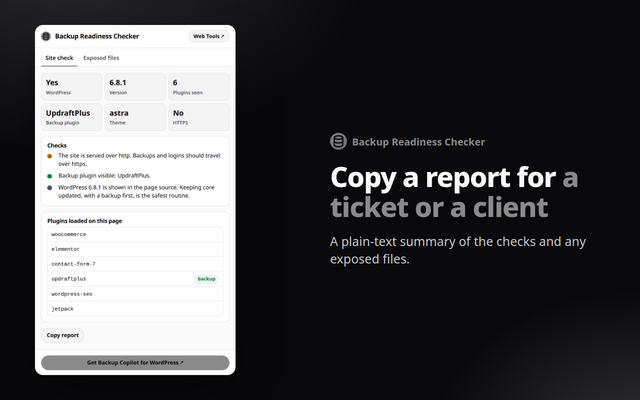
Quick answer: Backup Readiness Checker is a free browser extension for Chrome, Edge and Opera. It reads the WordPress page you have open to show the version, theme, plugins and any visible backup plugin, then checks common locations where backup and database files get left exposed. Everything runs in your browser.
What it does
- Site check: WordPress version, theme, plugins loaded on the page, HTTPS and any backup plugin that is visible from the front end.
- Exposed files: one click checks common paths such as backup.zip, database dumps, wp-config backups and backup folders with directory listing.
- Copy the report: a plain-text summary to paste into a ticket or send to a client.
How to install
- Download the zip above and unzip it to a folder you will keep.
- Open
chrome://extensions(oredge://extensions,opera://extensions) and switch on Developer mode. - Click Load unpacked and choose the unzipped folder, then pin the extension from the puzzle-piece menu.
Firefox only keeps unsigned add-ons until it restarts (about:debugging, Load Temporary Add-on), so a Firefox build will come from the add-ons store once published.
Private by design
The extension runs entirely in your browser. It reads a page only when you open it, sends nothing anywhere, and needs no account. See the Developry privacy policy.
Prefer the web version?
The same kind of tools work in any browser tab: try the free backup storage calculator on this site, or get the Backup Copilot plugin for WordPress.
Frequently asked questions
Is the extension free?
Yes. It is free, with no account and no ads.
Does it change anything on the site?
No. It only reads the page and, when you click the button, sends read-only requests for a short list of common backup file locations on the same site.
Can it tell me whether a site has backups?
Not completely. Most backup plugins load nothing on the public pages, so "not detected" does not mean there is no backup. It reports what is visible and flags files that should not be public.
Should I run the exposed-files check on any website?
Use it on sites you own or manage. It sends about a dozen read-only requests to the site you have open.
Which permissions does it need?
activeTab and scripting, to read the current page when you open the popup.
Is there a WordPress plugin?
Yes. Backup Copilot by Developry creates, schedules and restores WordPress backups, with cloud storage in Pro. The plugin page is on developry.com.